

How Billing Works
Billing Cycle
Costs are calculated and deducted by the second for running VMs:- GPU cost — Based on GPU type, count, and rental type (on-demand, interruptible, or reserved rate)
- Storage cost — Based on allocated disk size, charged even when the VM is stopped
- Network cost — Based on data transfer at $2/TB
Viewing Your Costs
You can view your costs at any time in the console:- Go to Billing in the left sidebar
- Your current balance and hourly spend rate are shown at the top
- Scroll down to see your usage history and transaction history
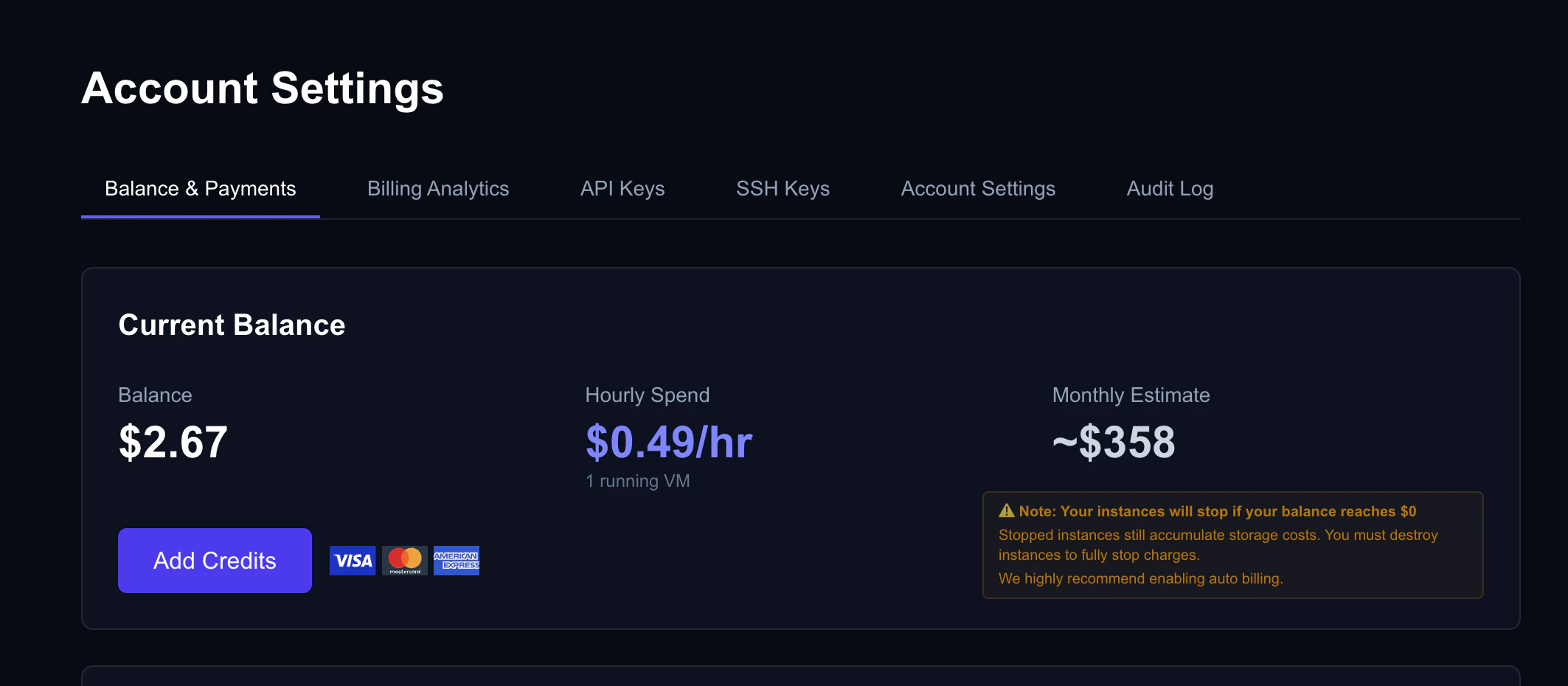
Billing dashboard showing balance, hourly spend, and transaction history
Adding Credits
Credit Card (Stripe)
The fastest way to add credits:- In the console, go to Billing
- Click Add Credits
- Enter the amount you want to add (minimum $5)
- Complete payment with your credit card
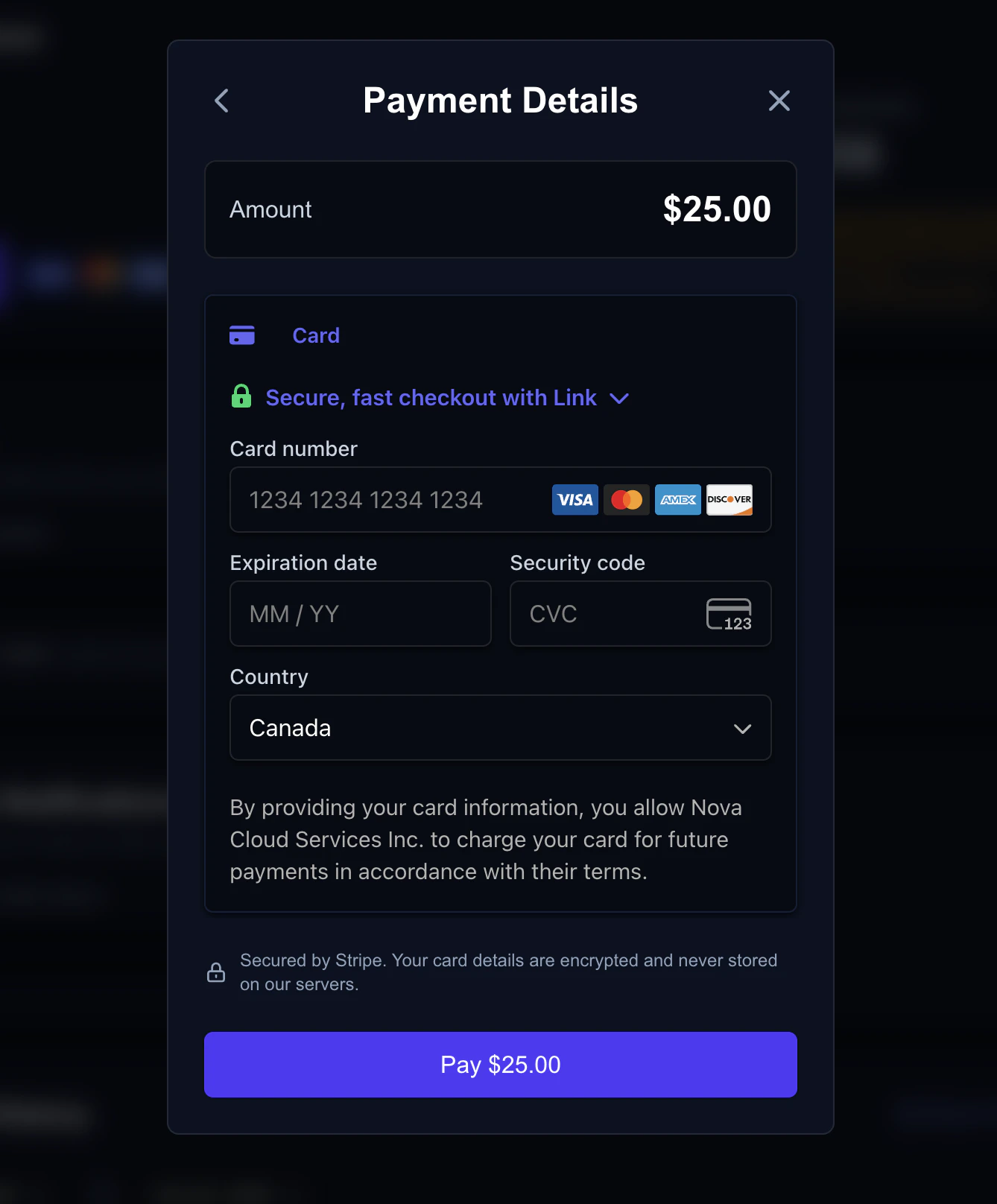
Add Credits window with preset amounts and card payment
Cryptocurrency
Cryptocurrency payments via Crypto.com Pay are coming soon. This option will allow you to pay with BTC, ETH, USDC, and more.Signup Bonus
New accounts get a first-deposit match: we match your first deposit dollar-for-dollar, up to $25 in bonus credit. Email verification is required to be eligible.Auto Billing
Auto billing automatically adds credits when your balance drops below a threshold. This prevents your VMs from being stopped due to insufficient balance.Setting Up Auto Billing
- Go to Billing in the console
- Make sure you have a saved payment method (credit card)
- Click Auto Billing and enable it
- Choose your threshold (when to trigger) and amount (how much to add)
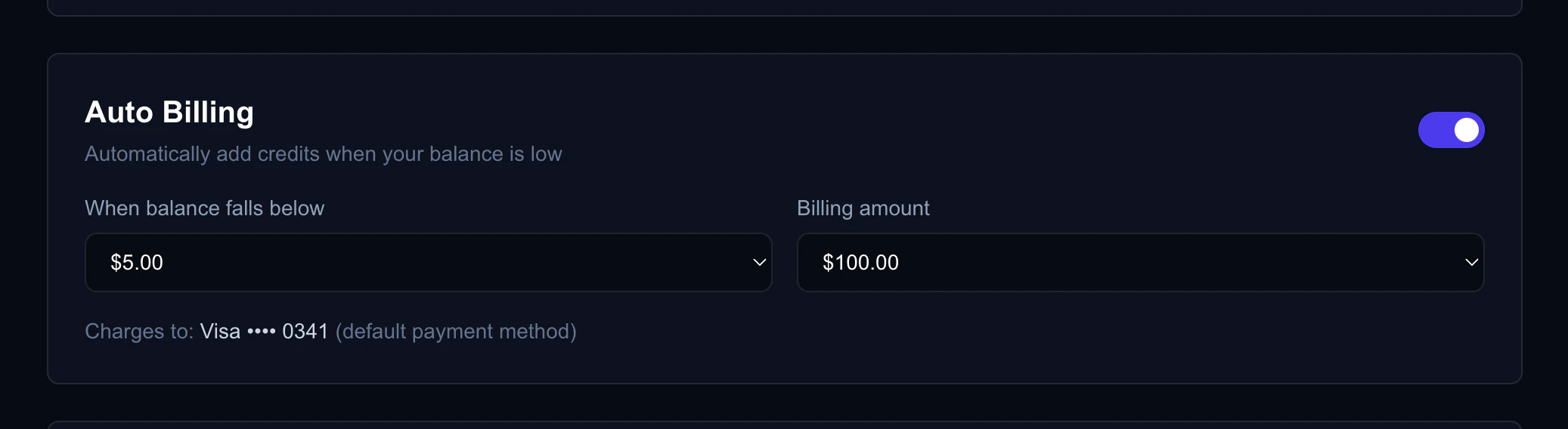
Auto Billing settings with threshold and amount configuration
If the auto billing charge fails (e.g., card declined), the system will retry. After multiple failures, auto billing is temporarily disabled.
Low Balance Notifications
Get an email alert when your balance drops below a threshold. Configure this in Billing → Notifications in the console. Notifications are sent at most once every 24 hours to avoid spam.What Happens When Balance Reaches Zero
When your credit balance drops to $0:- All running on-demand and interruptible VMs are automatically stopped
- A 7-day warning email is sent
- A reminder email is sent at day 4 (72 hours before destruction)
- If you don’t add credits within 7 days, all stopped non-reserved VMs are destroyed
Pricing Reference
GPU Pricing
GPU prices vary by model and rental type. Current pricing is always visible on the Dashboard when browsing available GPU offers. You can also view pricing without an account at api.nova-cloud.ai/pricing.Storage Pricing
Storage is billed per second based on allocated disk size. The rate applies uniformly to all VMs and continues while a VM is stopped.Network Pricing
Network transfer is billed at $2 per TB.Reserved Discounts
See Rental Types for full details on reserved pricing.